Strategy
Part of Dental social media: workflows and safeguards
Dental social media tools: options and buying checks
Dental social media tools vary in purpose. See what named products do and how to test fit, access, exports, costs and workflow before choosing.
What to take away
- Buy against a controlled task, not a feature count.
- The practice keeps ownership of accounts, source files and evidence records.
- Test export, access revocation and shutdown before signing.
- Credit a feature only when an intended user finishes the task safely.
- Save the tested plan and date; product pages can change.
Dental social media tools serve different jobs: scheduling, approval, reputation management, design, research and automation. The entries below describe twelve named products and their stated use cases and pricing; this is not a ranked review. Use the trial framework that follows to test fit, access, exports and shutdown effort.
The twelve tools, by name
My Social Practice. Done-for-you dental social content: monthly posts, images and captions written for practices, plus team training. It covers approvals and captioning. Membership is quote-based, typically a few hundred dollars per location per month. Ask which files survive cancellation.
Dental Intelligence. Practice analytics and reputation tracking: review requests, patient engagement scoring, office-by-office dashboards. Suits multi-location groups comparing sites. Quote-based, per location. Ask for review and dashboard history in a readable export before signing.
RevenueWell. Patient communication with review requests, recall messaging and reputation tools in one login. Suits practices that want reviews, reminders and marketing in one place. Quote-based and sold per location; exit terms vary with contract length.
Weave. Phone, texting and review requests in one system for the front office. Suits practices replacing three separate tools. Quote-based, and hardware and per-location fees differ between quotes.
Hootsuite. Multi-network scheduling, inbox and approval workflow. Suits practices posting to three or more networks from one queue. Published plans typically start around $99 a month for one user and ten accounts, billed per seat.
Later. Visual planner built for Instagram and TikTok, with a media library and caption tools. Suits practices whose posts are photo and short-video led. Free tier; paid plans per user, typically from about $25 a month.
Sprout Social. Scheduling plus a shared inbox, approval steps and reporting. Suits groups with several locations and a marketing coordinator. Standard seats typically run around $249 per seat per month on annual billing.
Buffer. Low-cost scheduling and basic analytics; the free plan covers three channels. Suits a single-location practice with one person posting. Paid plans are billed per channel, typically from about $6 per channel per month.
Canva. Templates, brand kit and resize for feed, story and print. Suits practices without a designer. Free tier; Pro typically around $120 a year for one person. Captions and alt text stay manual.
Semrush. Keyword and competitor research, not publishing. Suits practices deciding what to post about. Pro typically around $140 a month, with extra seats billed on top.
Birdeye. Review requests, review responses and listing management. Suits practices where review velocity drives new-patient calls. Quote-based per location; ask what leaving costs and how reviews export.
Zapier. Connects the tools above so a form fill, review or booking event triggers a task. Suits practices with a CRM worth automating into. Free tier; paid plans by task volume, typically from about $20 a month for 750 tasks.
One caution on all twelve: vendor price and feature pages change without notice. Re-check the plan you intend to buy on the day you sign.
Score them on the same task
Give every tool the same source sample, user roles, required output and failure case. Then measure setup time, recurring labor, correction work and shutdown effort. A tool that wins on headline price still has to pass the rest.
Same-task tool test
Trial task
- Scheduling
- Publish and pause post
- Approval
- Route claim to reviewer
- Asset library
- Trace media rights
- Captioning
- Correct clinical term
- Moderation
- Escalate privacy comment
- Analytics
- Reproduce platform report
- Security
- Grant and revoke role
- Archive
- Retrieve approved and live
Where to test
- Scheduling
- Hootsuite or Buffer
- Approval
- Sprout Social
- Asset library
- Canva brand kit
- Captioning
- Later or Canva
- Moderation
- Hootsuite or Birdeye
- Analytics
- Semrush or Dental Intelligence
- Security
- Hootsuite or Sprout admin
- Archive
- Dental Intelligence or export
| Tool job | Trial task | Where to test it |
|---|---|---|
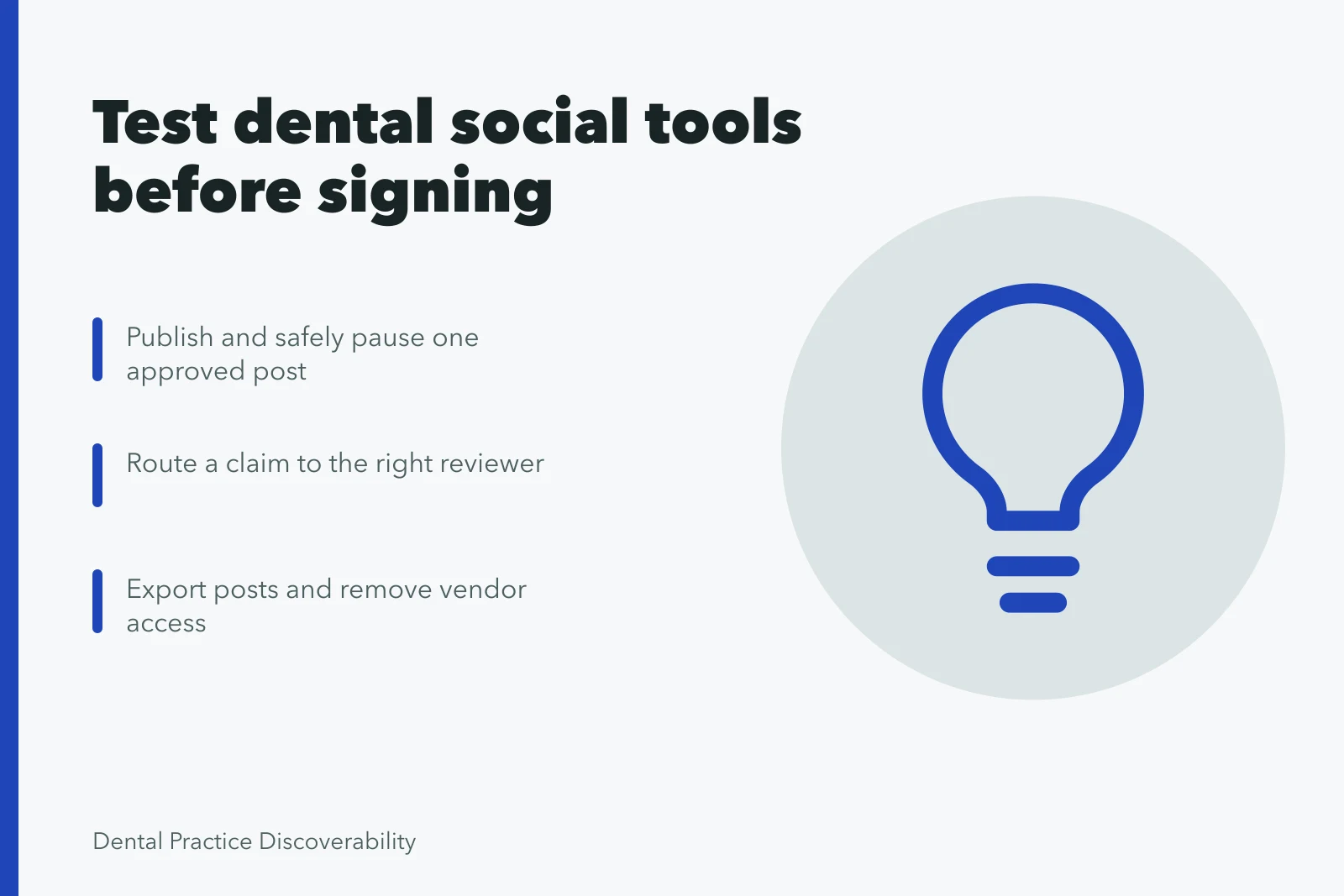
| Scheduling | Publish and safely pause one approved post | Hootsuite or Buffer |
| Approval | Route a claim to the right reviewer | Sprout Social |
| Asset library | Trace media rights and expiration | Canva brand kit |
| Captioning | Correct a clinical term and export captions | Later or Canva |
| Moderation | Escalate a privacy-sensitive comment | Hootsuite inbox or Birdeye |
| Analytics | Reproduce one platform report | Semrush or Dental Intelligence |
| Security | Grant and revoke a limited role | Hootsuite or Sprout Social admin console |
| Archive | Retrieve the approved and live versions | Dental Intelligence or vendor export |
Reject anything that saves publishing time while making evidence, ownership or incident response harder.
Check native scheduling limits
LinkedIn documents scheduled posts for Pages: eligible admin roles, a scheduling window, and post types that cannot be scheduled. Confirm those details in your own account rather than assuming a third-party scheduler behaves the same way. Meta Business Suite schedules Facebook and Instagram posts from one composer, with its own limits.
A scheduler only helps if the post follows dental social media best practices for claims, privacy and accessibility.
Use named roles in YouTube Studio, not shared passwords
YouTube explains channel permissions in YouTube Studio and describes role-based access without sharing the Google Account password. Role capabilities change, so test the minimum role on a nonproduction task before granting a vendor wider access.
- Use fictional data in demonstrations
- Test the exact account and plan you will buy
- Check accessibility of the editor and the published output
- Record subprocessors and data locations
- Confirm audit history and named users
- Export posts, assets, approvals and reports
- Remove a test user and verify revocation
- Price seats, storage, support and exit work
Test the operating burden
The GOV.UK technology selection guidance asks for adaptable choices, data control, security review and whole-life cost. Those questions apply to dental social media questions worth settling before a contract, not after.
The GOV.UK open standards guidance ties open standards to interoperability and reduced supplier dependence. Test whether posts, captions and reports can move out in a format you can read without the vendor.
Set a review date, and name the change that would trigger an earlier one. Record the options you rejected, because the constraint that ruled them out may not hold next year.
Common questions
Is an all-in-one platform always better?
No. Integration cuts handoffs but raises access, data, cost and exit risk. Test the actual workflow with your own accounts before deciding.
Should an agency own the scheduling account?
The practice should hold durable ownership and grant limited named access under the contract. Ask what happens to the accounts on the day the contract ends.
Can a tool approve clinical content automatically?
Automation can route a post to a reviewer. A qualified person remains responsible for judging whether a claim is supportable. Dental advertising rules vary by state; check the applicable state dental board requirements and dental advertising rules. The Federal Trade Commission Act prohibits deceptive advertising, and the Health Insurance Portability and Accountability Act (HIPAA) applies to protected health information handled by covered entities and business associates.
Which tools cost the least for one practice?
Buffer and Canva both have free tiers, and Later and Zapier start low. Dental-specific platforms such as RevenueWell, Weave, Birdeye and Dental Intelligence are quote-based, so compare quotes per location rather than headline rates.