Reviews
Part of Dental SEO: signal versus noise, updated for 2027
What matters most in dental SEO mistakes for 2027
dental SEO mistakes include doorway pages, inaccurate profiles, blocked content, weak canonicals, unsupported claims, inaccessible forms, and lead-only reporting.
What to take away
- Seven mistakes matter most for 2027doorway and scaled city pages, inaccurate profile details, robots rules used as privacy, weak canonicals, inaccessible booking forms, lead-only reporting, and unsupported claims.
- Give each fix to the owner who controls it. A content writer cannot repair a scheduling bug.
- Verify with the patient tasksearch the city plus service, call the number, submit the form on a phone.
- Robots.txt controls crawling, not privacy. Patient and staff pages need authentication.
- Judge the cleanup on booked appointments, not sessions.
Seven mistakes and the owner for each
Search failures in dental practices repeat in a familiar order. Each class below has a different owner, and each connects to Dental SEO fundamentals that decide whether a fix holds. Start with the two that block patients today: wrong hours and a booking form that fails on a phone.
Dental SEO Mistake Checklist
- Manufacturing location pages
- Leaving duplicate or former profiles active
- Publishing services or hours operations cannot confirm
- Sending every removed URL to home page
- Repeating one generic title and heading
- Blocking essential page resources
- Reporting leads without suitable appointments
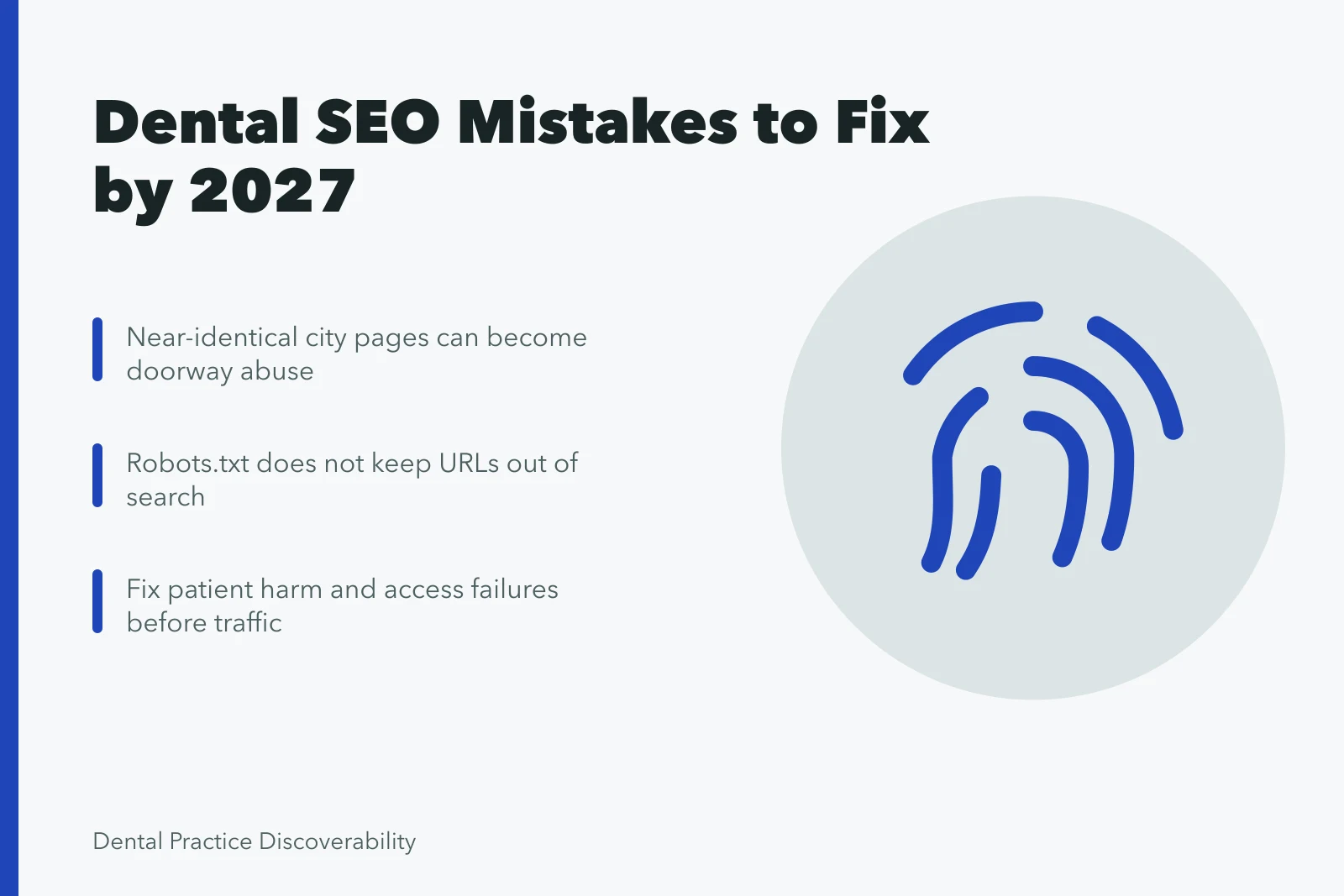
- Doorway and scaled city pages, where near-identical pages match city queries and funnel visitors toward one destination.
- Inaccurate profile details, including wrong hours, categories or service lists on Google.
- Robots rules treated as privacy controls, hiding URLs from crawlers while leaving them in search results.
- Weak canonicals, where duplicate treatment or staff pages compete with one another.
- Inaccessible booking forms, which fail on mobile or after a field error.
- Lead-only reporting, which counts form fills and ignores booked appointments.
- Unsupported performance claims published without an evidence record.
| Mistake | Owner | Verification check |
|---|---|---|
| Doorway or scaled city pages | Content and SEO | Load three city pages and compare the clinical facts |
| Inaccurate profile details | Operations and profile owner | Live listing, plus a call to the published number |
| Robots rules used as privacy | Developer and compliance | Fetch the URL in a logged-out browser |
| Weak canonicals | Developer and SEO | Inspect canonical tags and redirect chains |
| Inaccessible forms | Product and scheduling | Submit a real booking on a phone |
| Lead-only reporting | Marketing and practice manager | Reconcile form fills against the scheduling system |
| Unsupported claims | Clinical and compliance | Match each public claim to an evidence record |
Doorway pages and scaled city content
Doorway abuse describes thin pages built for one query that mostly push a visitor toward another page. Scaled content abuse is that pattern at volume. Both look like a city page that swaps a place name and changes nothing else.
That pattern drains crawl attention from the treatment pages that bring patients. Merge city pages when a place name is the only difference, and let one service-area page rank instead.
Our dental SEO examples show how real local pages carry staff, parking, transit and insurance detail. Read them before you delete anything.
Profiles, canonicals and blocked URLs
Google's guidelines for representing a business ask for the real name, the right category, and hours that match reality. A profile listing a service the practice does not offer is a patient error first and a ranking error second.
Duplicate URLs arrive through tracking parameters, www and non-www versions, or one treatment page published on two paths. A canonical tag names the preferred URL, and Google's guidance on duplicate content explains how to consolidate signals after a merge.
Disallow lines in robots.txt stop crawlers from fetching a URL. They do not remove a page from search results, and they do not protect patient data. Clinical and administrative areas need authentication and access control, while marketing pages should stay crawlable.
Booking forms and lead-only reporting
Booking forms fail quietly. Test on a phone with autofill off, then confirm the appointment reaches the scheduling system with the right provider and time. A form that works for the webmaster but not for a patient is still broken.
Reporting that counts form fills and ignores booked appointments rewards the wrong channel. Reconcile marketing numbers against the practice management system each month, and treat no-shows and out-of-area leads as costs. The dental marketing strategy checklist lists the fields that reconciliation needs, which makes it a useful weekly companion.
Example: the first two weeks of a cleanup
The first two weeks of a cleanup
- Days 1 and 2record the current state of all seven checks, including profile hours, three city pages and one submitted booking.
- Day 3correct the profile name, category, hours and services, then call the published number.
- Week 1merge or rewrite the city pages that swap only a place name.
- Week 2repair the booking form, then retest it on two phones and one desktop.
- Week 2rebuild the weekly report around booked appointments.
A fix counts as verified when someone outside the marketing team completes the patient task and the scheduling record agrees.
Evidence for claims and lead figures
Any public statement about rankings, traffic or patient outcomes needs a reasonable basis before it goes out, as the FTC advertising substantiation policy requires. That governs the unsupported claims mistake.
The GAO data reliability guide holds a number to be reliable only for a stated use, which is the test for a lead figure presented as proof. Both rules point at the lead-only reporting mistake.
Recurring dental marketing strategy mistakes usually begin with a public claim nobody sourced, so that piece is worth reading before the next campaign review.