
Careers
Part of Dental content marketing: audience, claims, review, and maintenance
Dental content marketing checklist for images and media
A dental content marketing checklist for images, video and patient photos: purpose, captions, rights record and authorization before anything goes live.
What to take away
- Every image gets a purpose firstinformative, decorative, functional, text or complex. The purpose decides the alt text.
- Media permission, credit, caption and alt text are confirmed before anything goes live.
- Video and audio carry captions and a transcript, stored with the creative.
- Patient photos, including before and after pairs, need written authorization, a withdrawal process and no protected health information.
- A caption that makes a claim is reviewed like any other claim.
- A page is not finished until its destination and maintenance trigger work.
A dental content marketing checklist should follow each image from request to retirement. Attach the completed record to the article rather than treating it as a memory aid. Mark an item not applicable only with a short reason and accountable reviewer.
Give each image a purpose first
Decide what an image is for before anyone writes its caption or alt text. The W3C Web Accessibility Initiative's images tutorial distinguishes informative, decorative, functional, text, and complex images, and it covers grouped and mapped images.
Its starting point is that images must have text alternatives that describe the information or function represented by them. Appropriate text alternatives depend on the image's purpose and context.
| Image role | Dental example | Check |
|---|---|---|
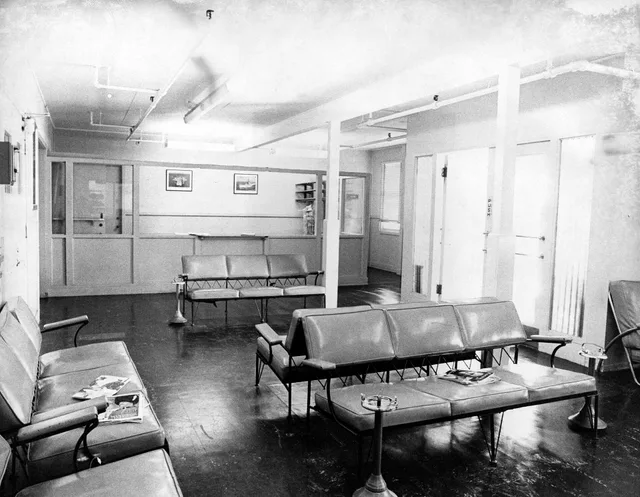
| Informative | A photo of the treatment room the page describes | Alt text conveys the needed information |
| Decorative | A divider or background texture | Null alternative keeps it out of the task |
| Functional | A "book now" button image | Name describes the action or destination |
| Chart | A diagram of how a procedure proceeds | Equivalent data and conclusion are available |
| Text image | A graphic that holds the office hours | Essential words also exist as real text |
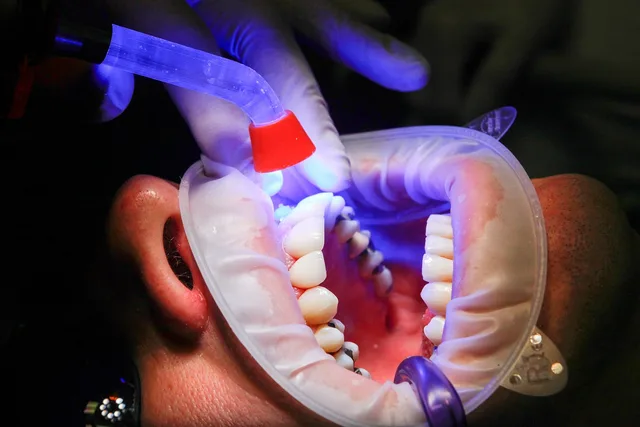
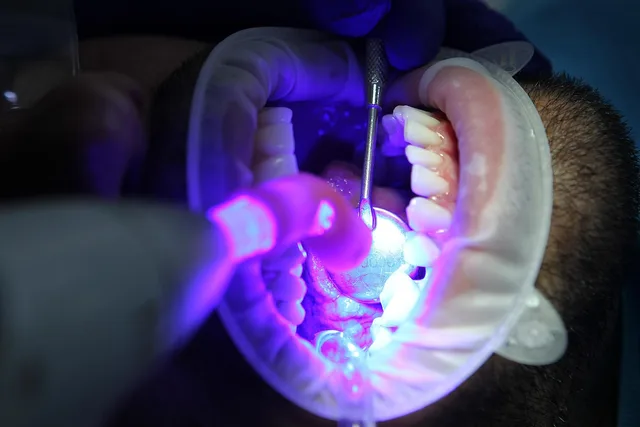
| Patient media | A smile photo supplied by a patient | Authorization and withdrawal process are documented |
Decorative or informative is the author's call
The same photo can be either. W3C notes that only the author can make the judgment on whether to treat an image as decorative or informative, based on the reason for including the image on the page.
That makes the choice a review item, not a plugin setting. Name the reviewer who decides, and record the reason next to the image. Treat the W3C material as implementation guidance and test the finished page with users and assistive technology.
Video and audio: captions and transcripts
Video and audio get the same record as images, plus one rule: the words must also exist as text. Add captions and a transcript before the file goes live, and store both with the creative so the approved version can be rebuilt.
Captions serve patients who are deaf or hard of hearing and anyone watching without sound. Review them as you review a caption under a photo: any clinical, price or outcome claim spoken on screen goes to the same named reviewer.
Make the media findable
The alt text that serves a screen reader also tells search what an image shows, so one good description does both jobs. Use a descriptive file name, place the image beside the text it illustrates, and keep words on the page rather than inside the graphic.
Write alt text for the patient, not for a keyword list. If it would sound odd read aloud, rewrite it. A text image is easy to miss: if the opening hours exist only inside a graphic, they are missing for everyone who cannot see it.
The rights record behind each image
An image that is accessible can still be unusable. The record has to show where it came from and who allowed its use.
- The source of the image is noted, with where the original file is stored.
- Permission and credit line are confirmed before upload.
- The caption is written, and any claim in it has a named reviewer.
- The alt text matches the image's role in the table.
- Patient media carries signed authorization and a withdrawal route.
- The approved and the published versions are both preserved.
Images posted on social channels follow the same record through a social media checklist. Preserving both versions matters when a page is edited later. The approved file shows what the reviewers saw, and the published file shows what patients saw.
Patient photos, before and after pairs and testimonials
In the United States, treat HIPAA as the floor for patient information in forms, analytics, and testimonials. The HIPAA marketing rules explain why a patient photo is not just a creative asset, and why a written authorization under 45 CFR 164.508 comes first.
A before and after pair is a result claim as well as two pictures. Each photo needs its own authorization and withdrawal process, no protected health information in the frame or the caption, and a licensed dentist reviewing the outcome the pair implies.
Under the FTC's reasonable basis doctrine, firms must have substantiation before disseminating a claim, so a caption that promises a result needs evidence before you publish, not after.
State dental board advertising rules can add limits on specialty claims, testimonials, and discount offers. Check the board in every state where you treat patients. Practices in Canada should read the PIPEDA and PHIPA guidance as well.
Plain language for captions and alt text
Captions and alt text are read by the same audience as the page, so they get the same plain-language care. Use CDC's collection of plain-language resources for audience-first organization, familiar words, active voice, logical chunks, headings, and removal of unnecessary language.
Give a representative reader a task, such as finding the office hours from the image alone. Do not coach them or explain the page while they work.
Worked example: a whitening photo
This illustrative format is not a real practice record. A whitening photo carries a claim as well as a picture, so each part has a reviewer.
| Part of the post | Reviewer | Evidence to store | Pass when |
|---|---|---|---|
| Whitening claim in the caption | Licensed dentist | The evidence behind the claim | Limitations sit beside the claim |
| Price in the caption | Practice manager | The current fee schedule | The price matches the schedule |
| Patient authorization | Privacy officer | Signed form and withdrawal route | On file before upload |
| Alt text | Content editor | The text and the role chosen | It matches the image's purpose |
| Credit and permission | Publisher | Written permission | Recorded with the file |
Where image and media checks fail
Most failures are gaps in the record, not bad photos. Look for these before a page goes live:
- Hours or prices that live only inside a graphic.
- An image marked decorative that actually carries information.
- A caption that promises a result with no evidence record behind it.
- Patient media posted without authorization on file, or left up after withdrawal.
- The approved version overwritten by the published one.
- Alt text copied from the caption instead of describing the image's purpose.
Questions for a photographer or video vendor
Put these to anyone who supplies media before you commit, and keep the answers with the contract:
- Who owns the files, and what permission and credit line come with each image?
- Can you supply written authorization for every person who appears?
- Will you hand over the original and edited files, with captions and transcripts for video?
- Who removes the media if a patient withdraws authorization?
- May the images be reused on social channels and in print?
Review, retire and prove it
For every checklist item, record pass, fail, not applicable, or accepted exception. Add the evidence location, reviewer, decision date, and next review. A checked box without proof cannot protect a release.
Test every public destination while signed out, then set the owner, the review date, and the event triggers. Default to an annual review. Trigger an earlier check for a new service, new evidence, a patient complaint, a broken source link, a staff departure, or a change in state or federal rules.
Stop the work when a mandatory privacy or correction condition fails, even if the rest of the checklist looks favorable. The campaign-level gate sits in the launch approval checklist.
Common questions
Can software write the alt text?
Software can flag missing fields and broken links. People must judge whether an image is decorative or informative, whether a claim is supported, and whether the page is understandable.
Who signs the checklist?
Use named reviewers for their areas and an authorized publisher who confirms the full release record.
Should the checklist remain public?
The operational record can remain internal, while public pages should show useful authorship, review, source, and update information.